
Built and tested
Talk to your Geek
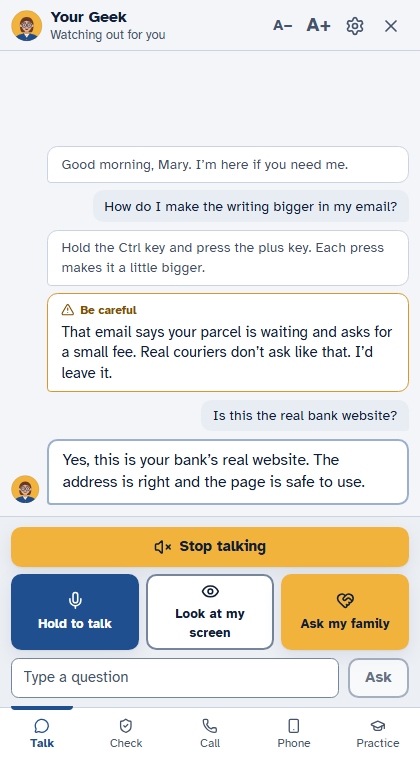
Mom holds one button and says what she needs in her own words. Her Geek answers out loud and on the screen.
Built and tested on Windows, and opening with our founding families: nothing is publicly installable yet. Each one says where it stands.
Mom holds one button and says what she needs in her own words. Her Geek answers out loud and on the screen.
Away from the desk, Mom taps Call my Geek on her phone and just talks. Her Geek hears her, looks at the computer screen if she asks, and answers in a voice. A web page on any phone; the computer must be on.
While a person from our team helps, Mom can let them see her screen. A banner says so, they can look but never touch, and one press ends it. Nothing is stored.
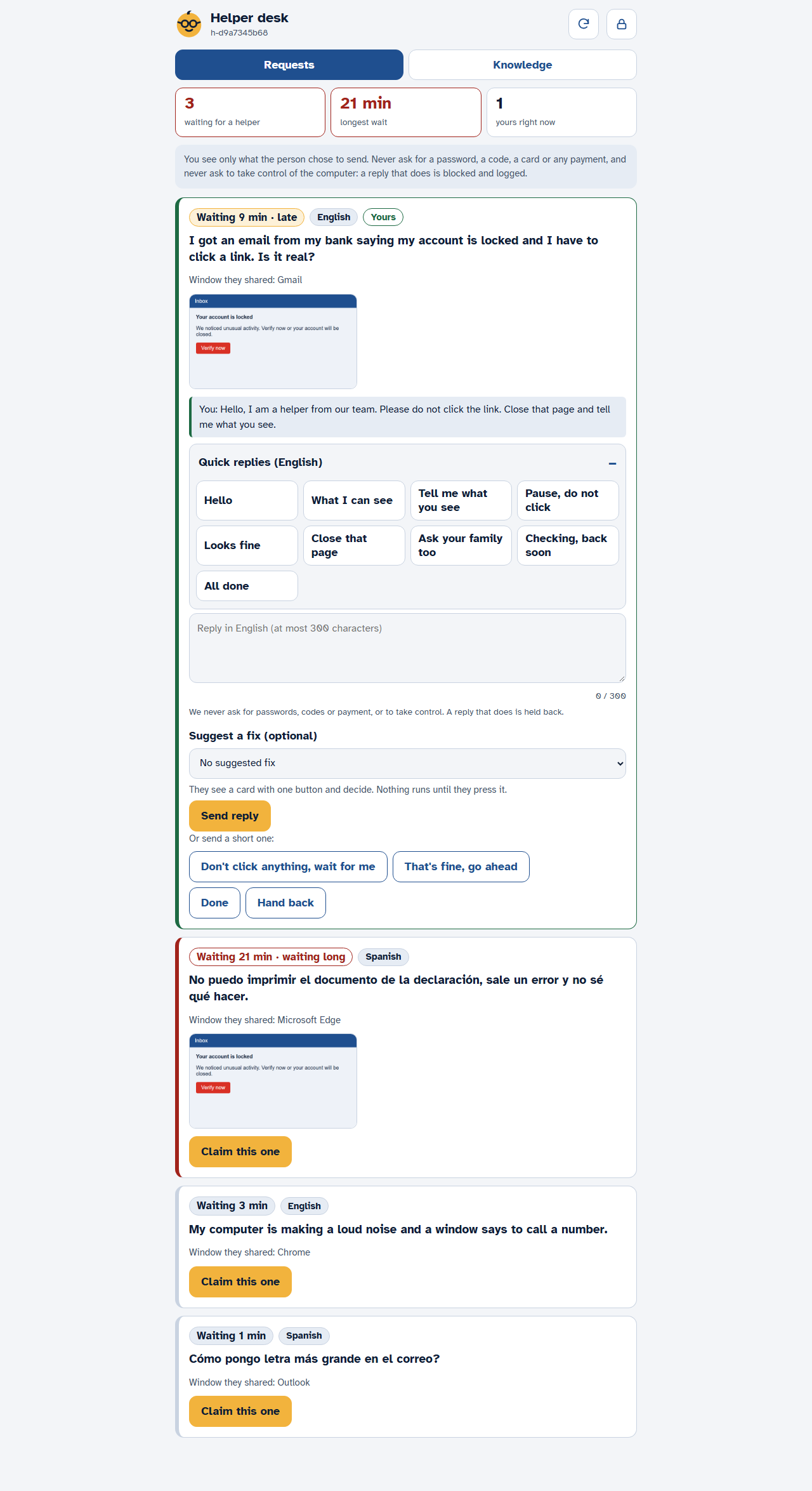
No answer from the family, or no family nearby: with Mom's yes, a person from our team takes the request and replies in writing. Every reply is in the log the family can read.
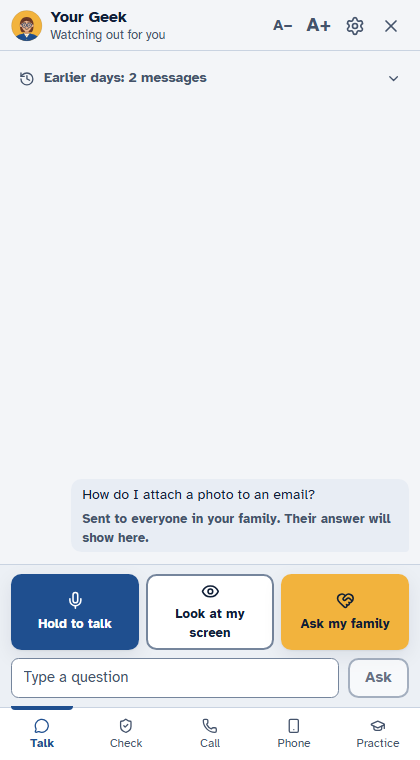
When Mom wants a person, one press sends her question, and a picture of her screen if she ticks the box, to her daughter's phone. The answer comes back on her computer.
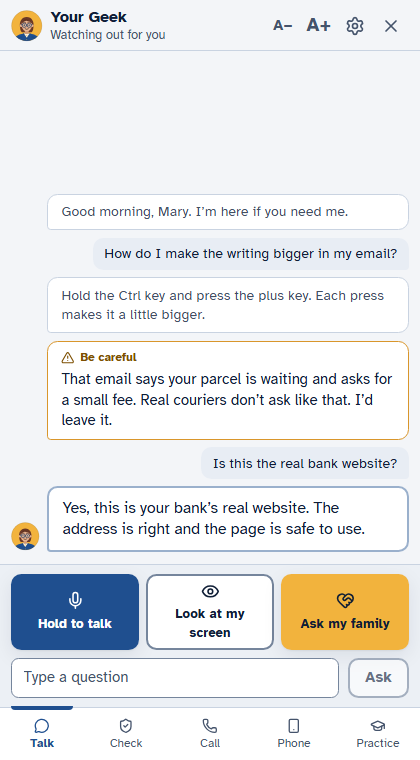
Anything about the computer, or a worry: "is this normal?" A short, plain answer. If the Geek doesn't know, it says so and offers the family.
"Am I protected?" Her Geek reads Windows' own antivirus, firewall and updates, says how they stand in plain words, and puts one button on each thing that is off. It only reads: nothing changes until she presses.
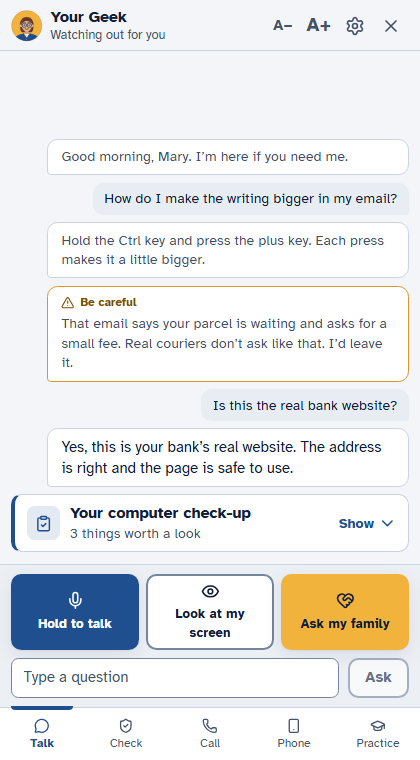
"How do I print this?" A yellow ring goes around the right button, one step at a time, and moves on when she does it. Built on 49 known how-tos in English and Spanish; never made up.
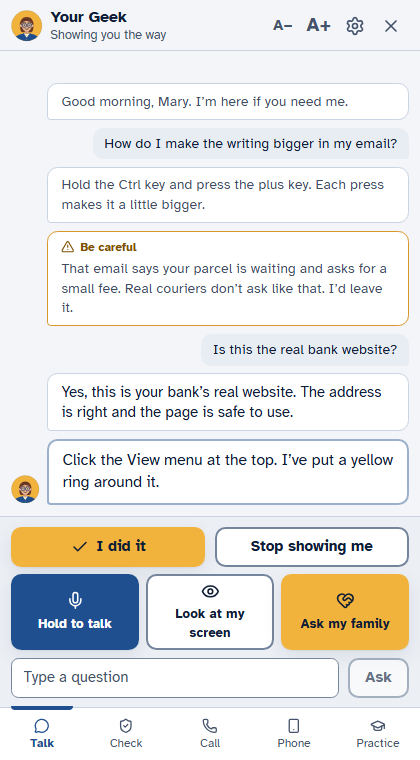
Mom presses Look at my screen. Her Geek reads what is there, checks it for scam signs and answers about it. One picture, only when she asks.
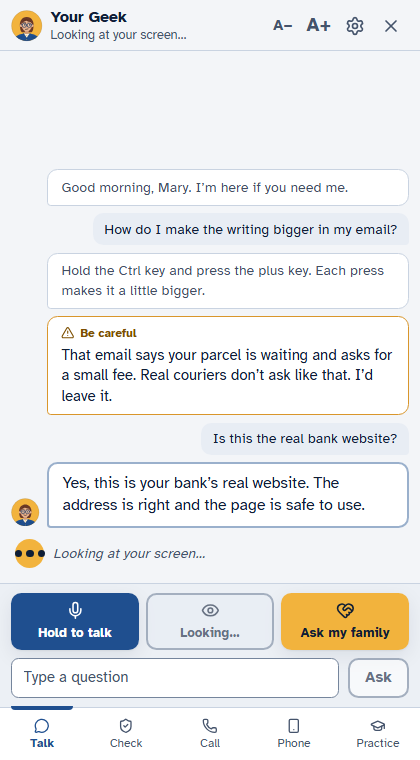
Her Geek names the program and the step on screen, finds out what it is looking at, and answers with the real next step.
Mom points her phone at a strange text and says "look at this". Her Geek sees the phone screen, only while she shares.
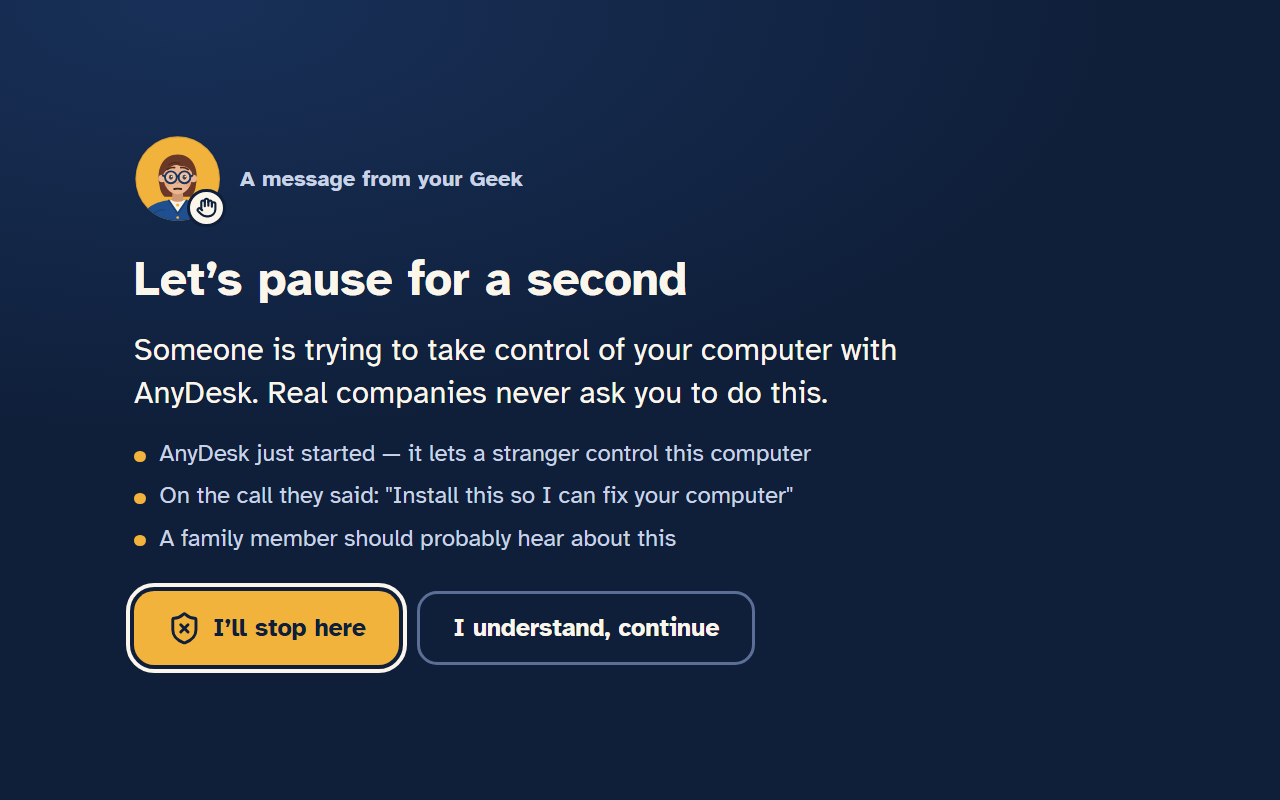
When something looks like a scam (a fake warning, a stranger asking to take control, gift cards, a "safe account"), the screen says Let's pause for a second, says why in a few lines, and offers I'll stop here, Ask my family, or I understand, continue.
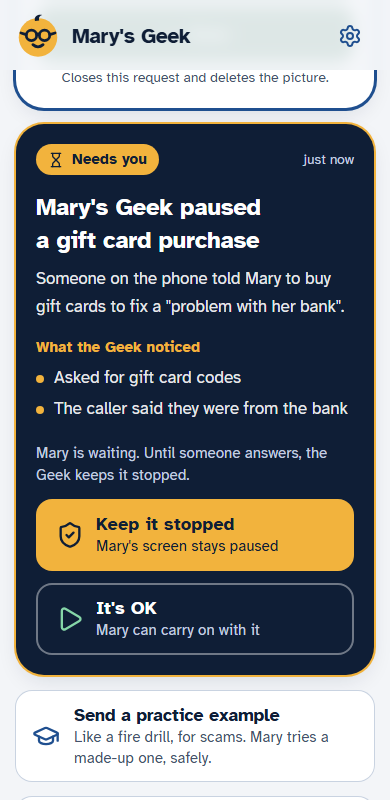
The pause lands on your phone with the reason. One tap, Keep it stopped or It's OK, and your answer shows on her screen.
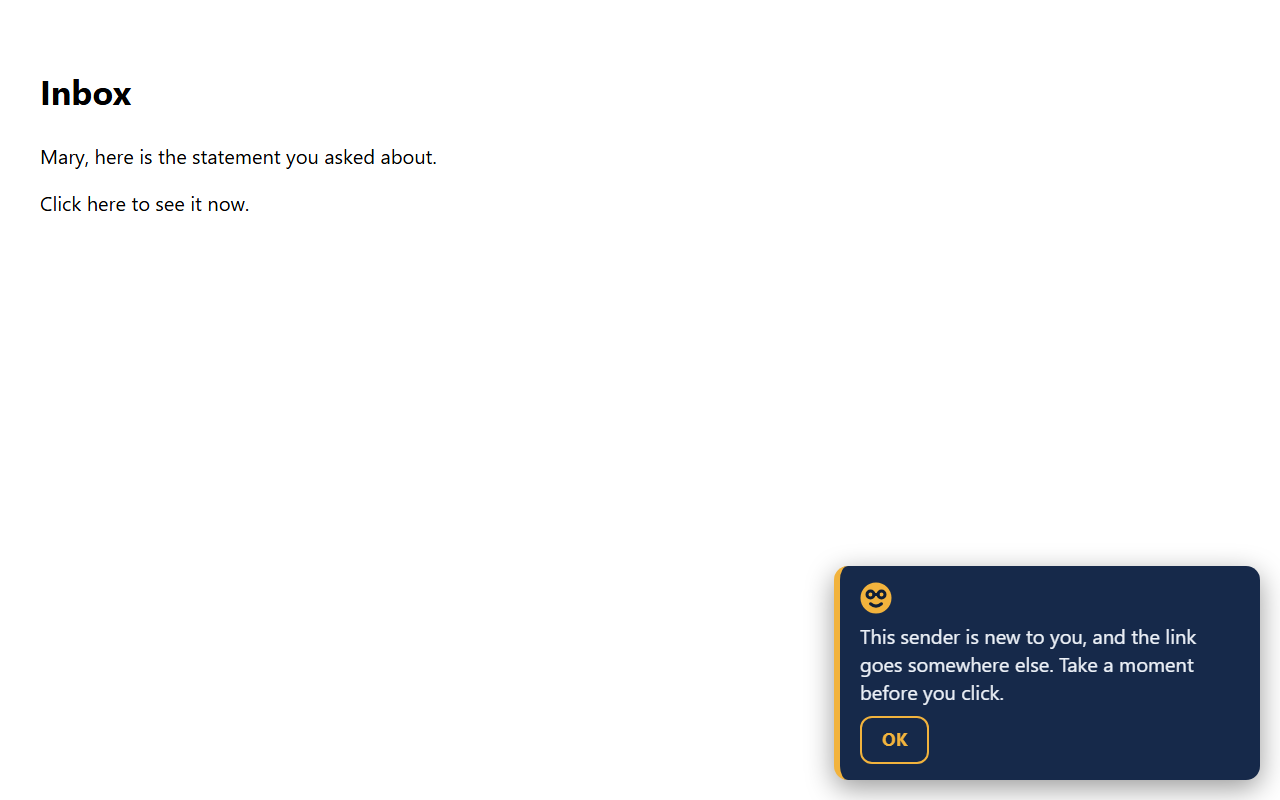
In web mail, her Geek checks the real address behind the name, lookalike domains and a first-time sender, and says so before she clicks.
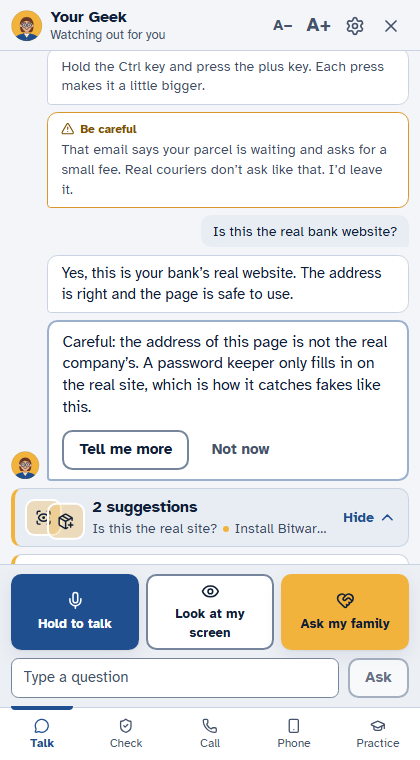
On a page that asks for a password, or pretends to be a bank or the post office, her Geek compares the address with the real one and warns before she types.
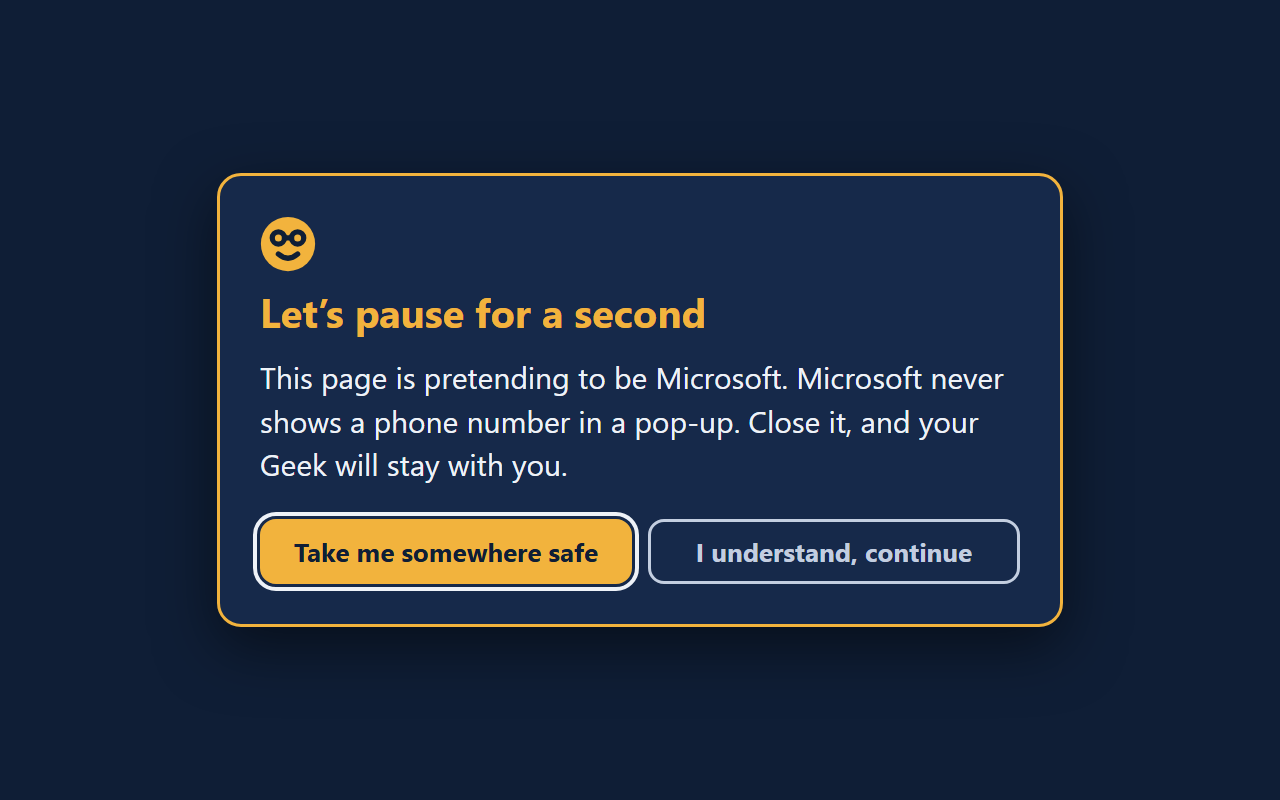
Email banners, red browser pages and scareware pop-ups, explained in plain words, with what to do next.
When she searches for her bank, a once-a-day line: the top results can be ads, and here is her bank's real address.
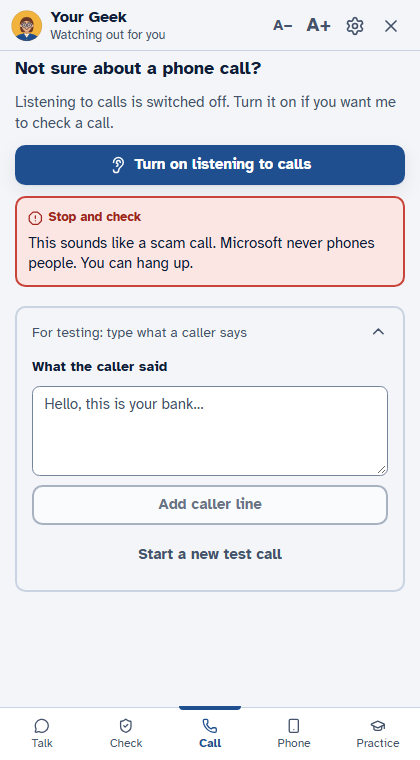
She puts a doubtful call on speaker next to the computer and presses a button; her Geek listens and says if it sounds like a scam. Only with her dated yes.
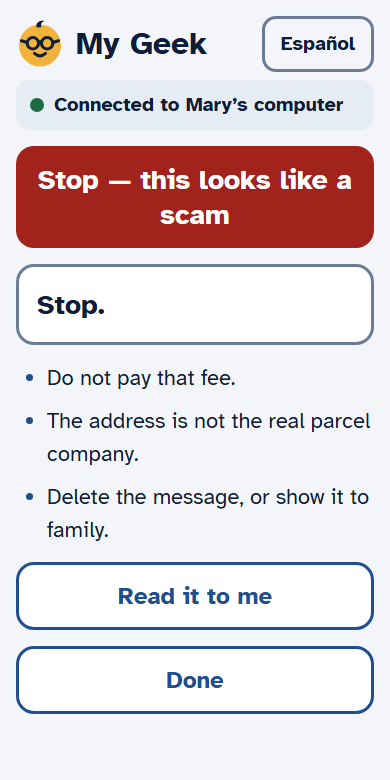
She pastes a text or photographs a letter on her phone and gets a clear answer, with three things to do and Read it to me.
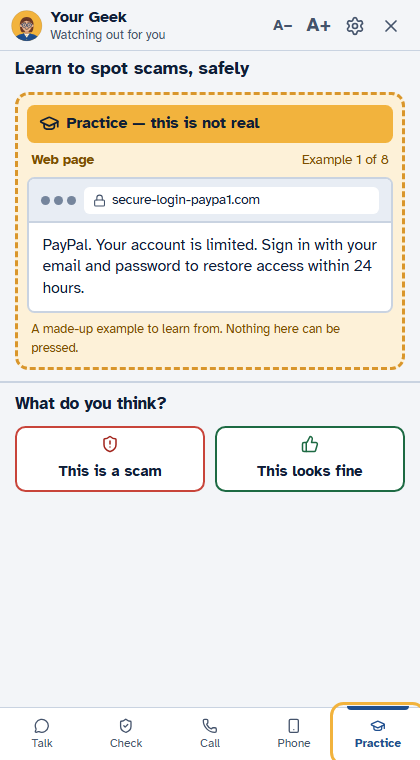
Made-up scams, clearly marked as not real. The family sees whether she spotted it. Nobody is graded.
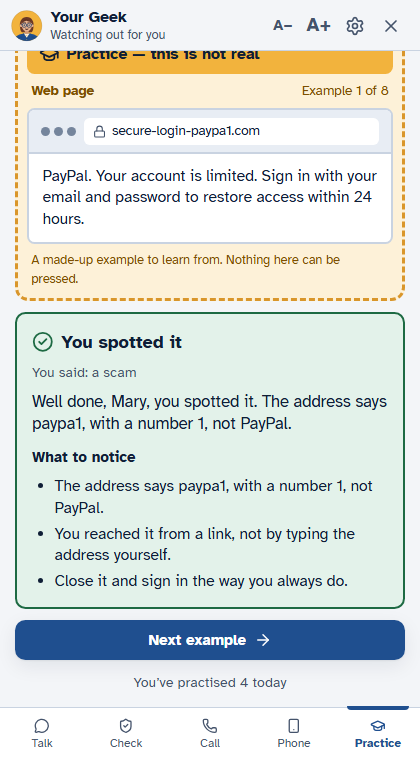
After a catch, one sentence on what to notice next time, and a practice lesson if one fits.
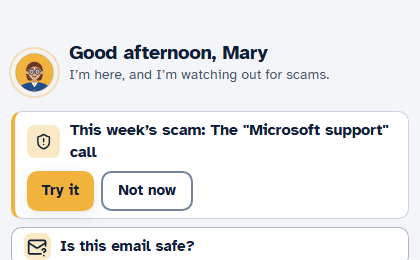
A quiet card on Tuesdays with one real scam to learn; Try it runs it as a practice.
Read across weeks, not one message: a soft caution when someone she has only met online asks for money, and one kind heads-up to the family, never the messages.
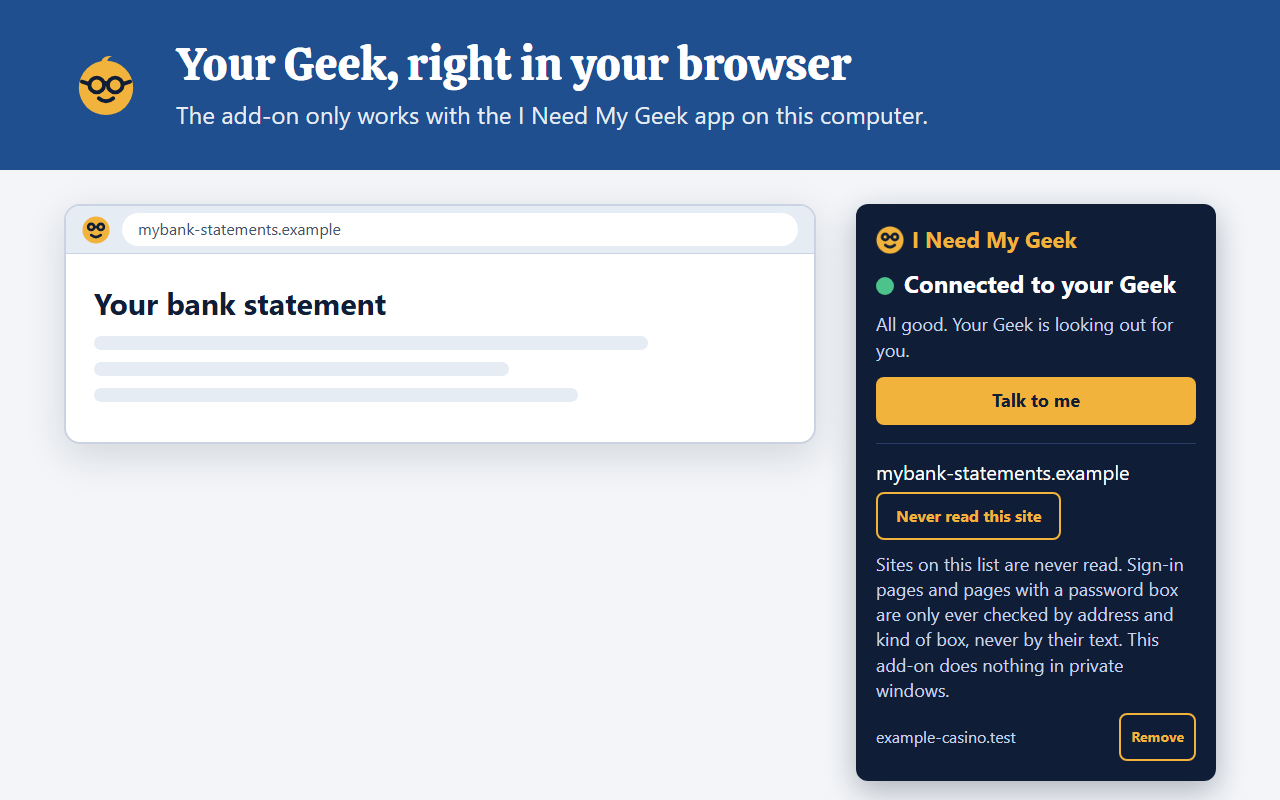
A small add-on for Chrome, Edge and Firefox. It reads only addresses and senders, never the text of private pages.
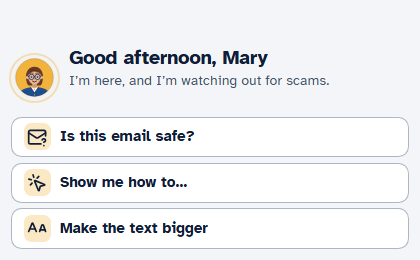
A hello for the time of day, the date in words, three things to try, and at most one card at a time.

One ring for one question: her Geek finds the control in the window she is using and circles it. It never clicks.
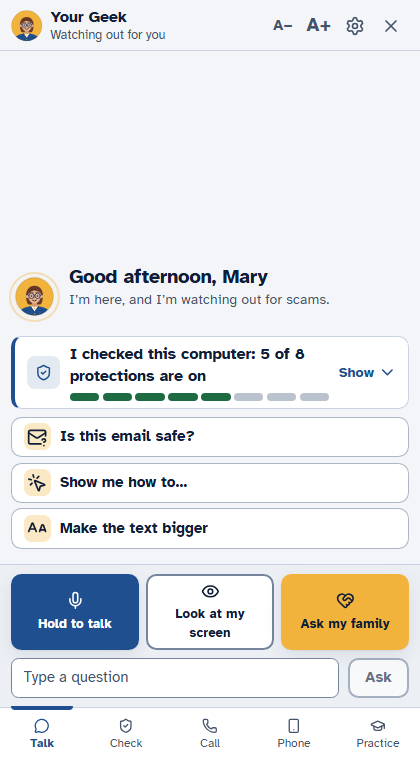
A daily snapshot: how many of the free protections are on, one button for each one that is off.
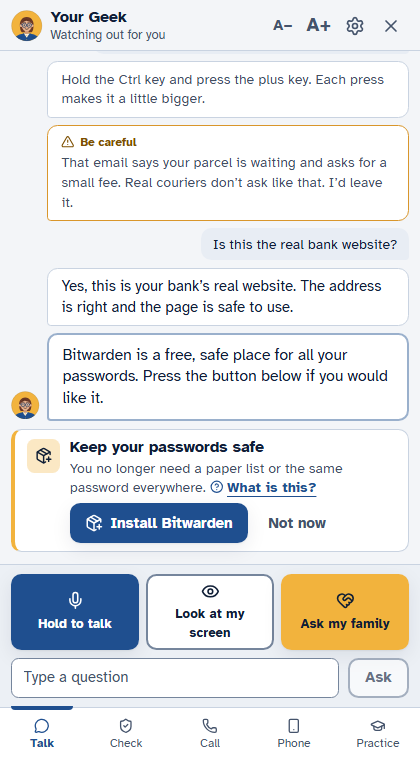
A card offers a free, well-known program from a signed list of 14 and installs it only when she presses. Nothing outside the list, ever.
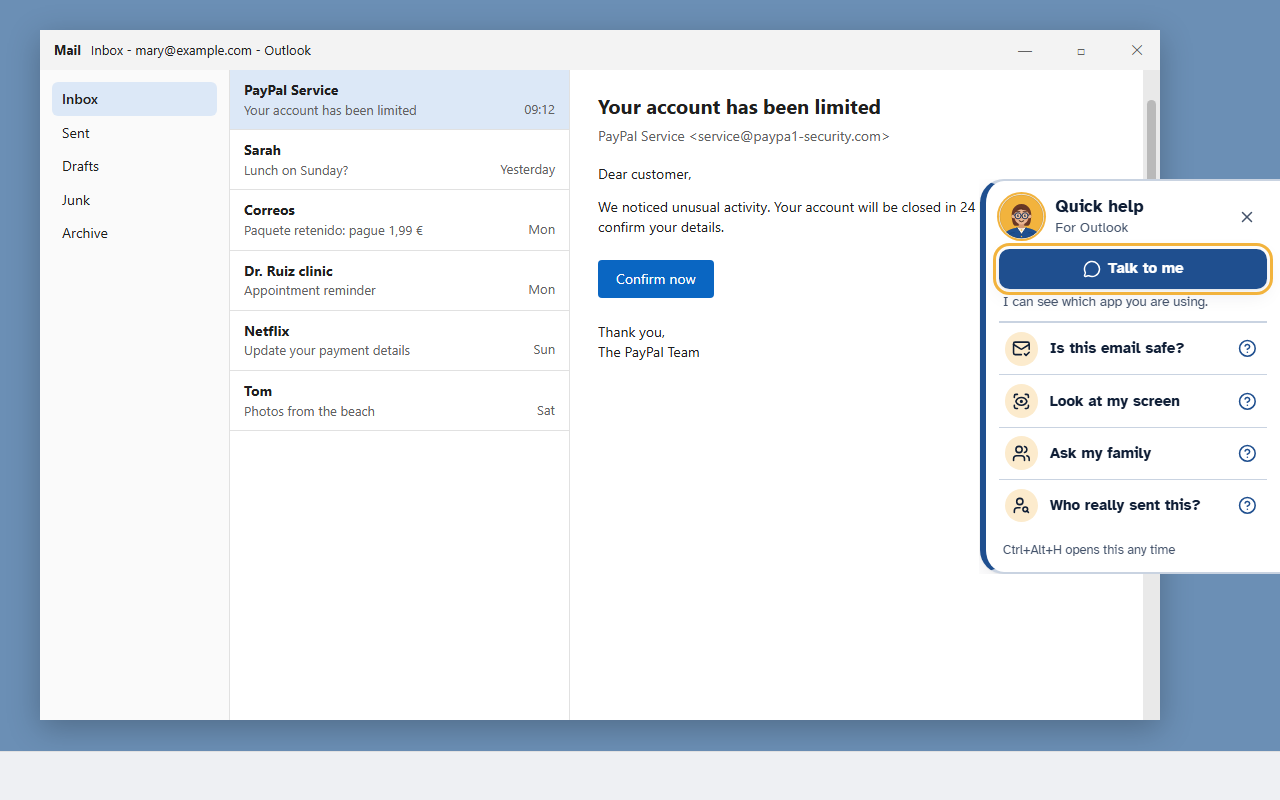
Is this email safe? Look at my screen, Ask my family, Who really sent this? One small panel.
Quiet for an hour or until tomorrow, from the tray or the window. Danger still stops.
Picked once in setup (the name only, kept on the computer). One button opens the bank's real address.
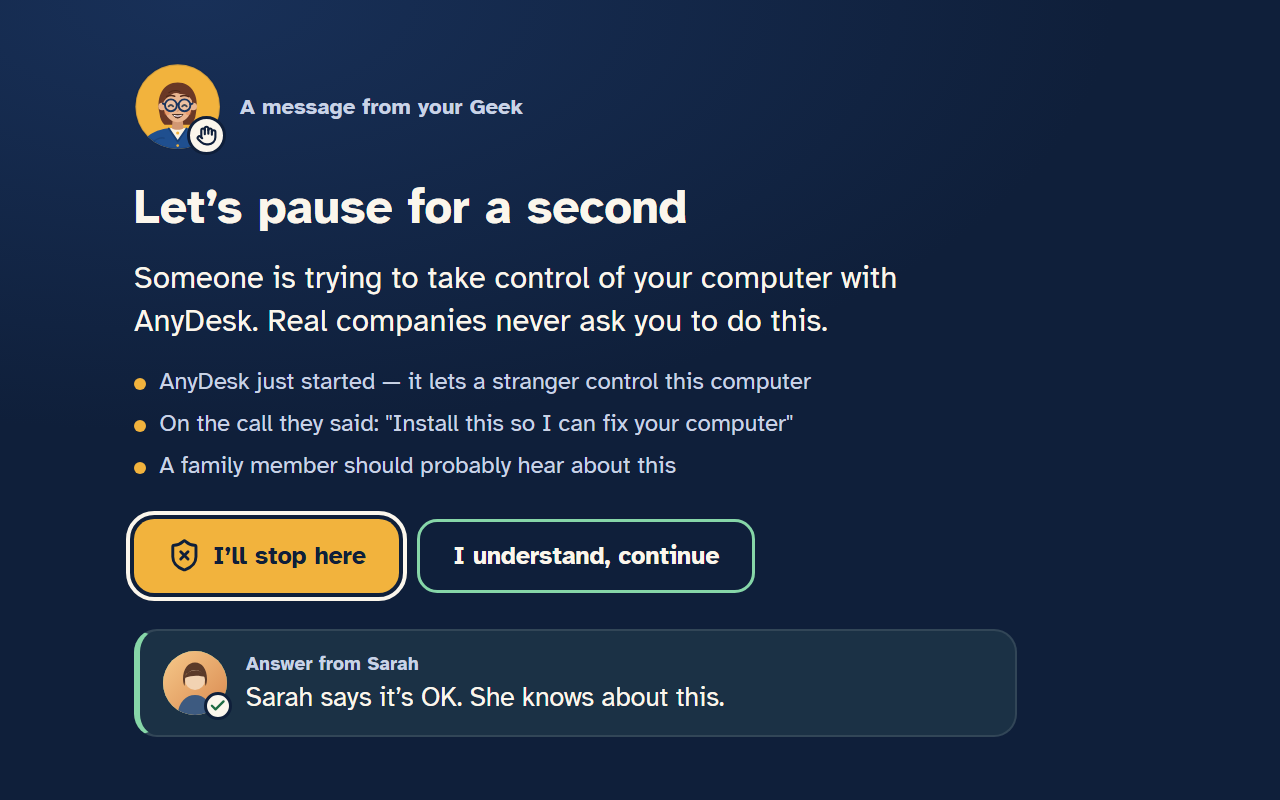
Your photo, kept only on her computer, sits beside your answer on the stop card.
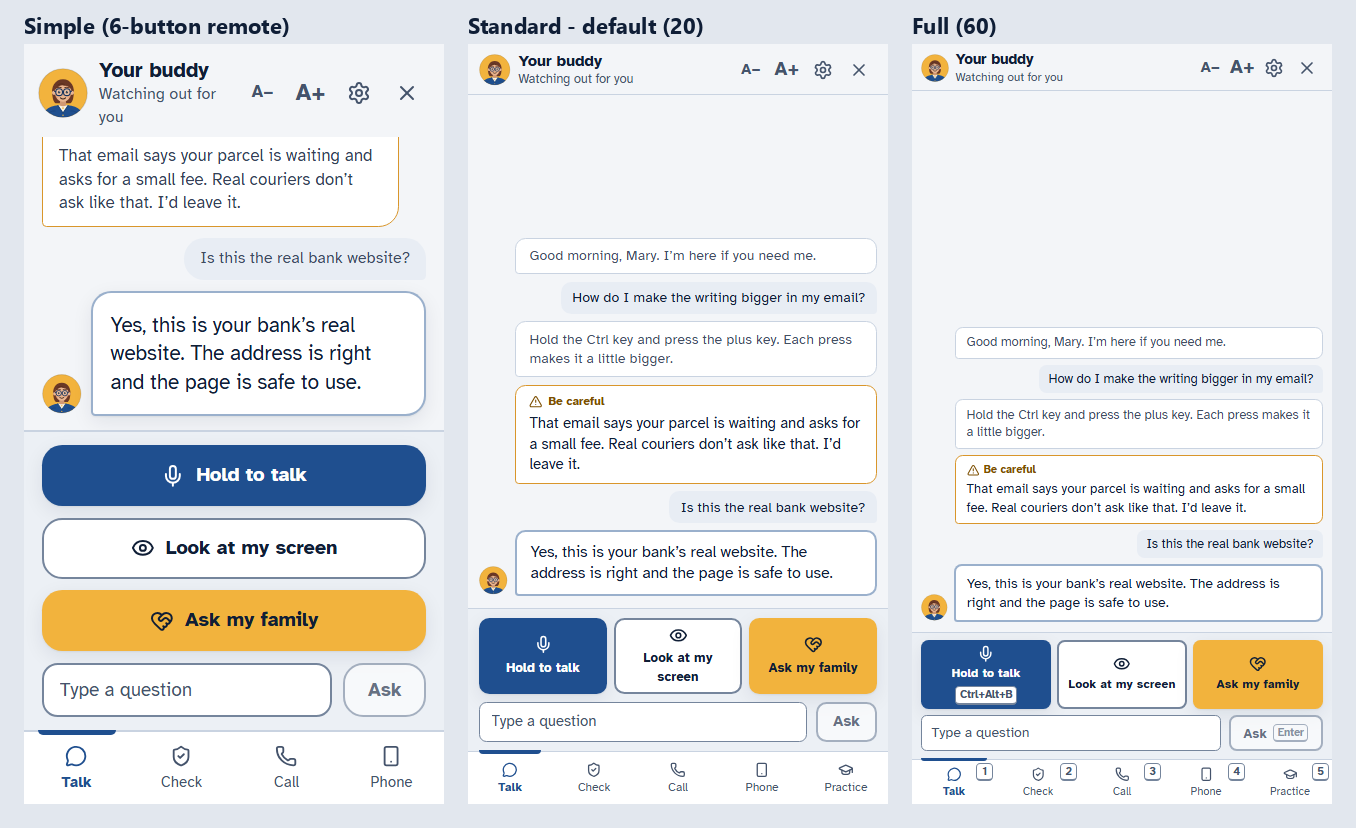
Simple, Standard or Full, text size A+, and a window sized to match. Her Geek may suggest a change, never makes one.
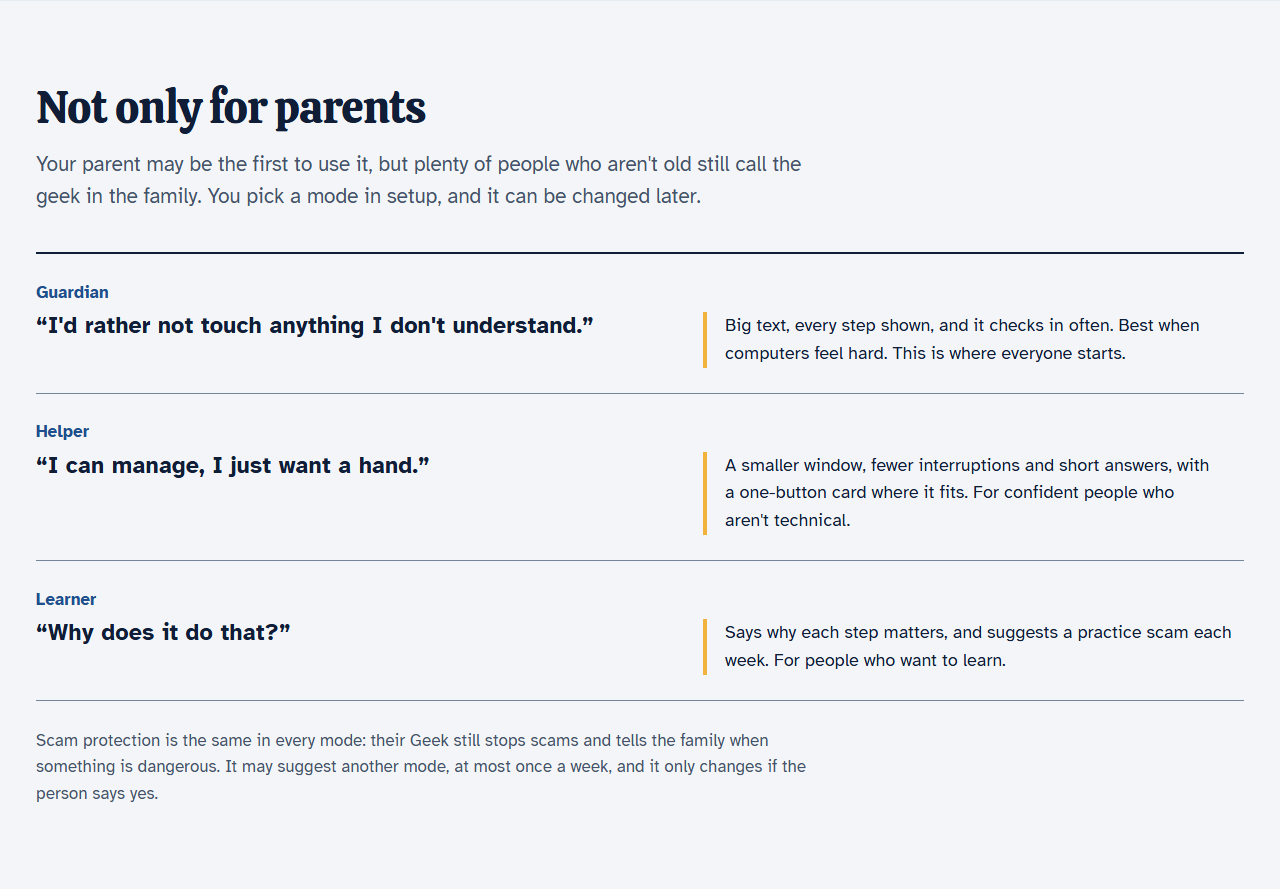
Guardian shows every step, Helper keeps answers short, Learner explains why. The same scam protection in all three.
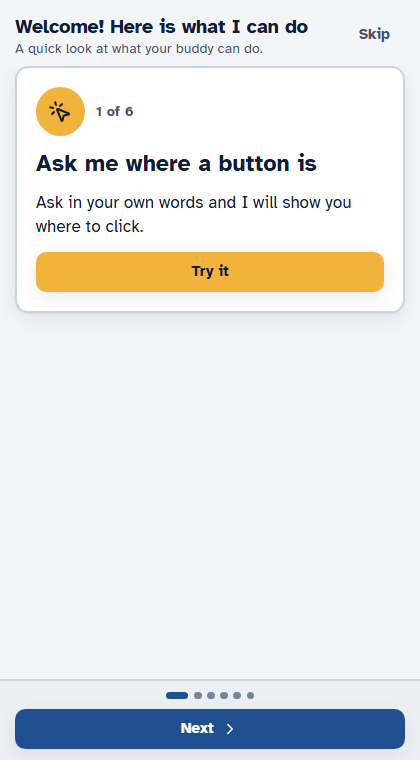
Six day-one cards, each with a Try it button, and a What's new list later.
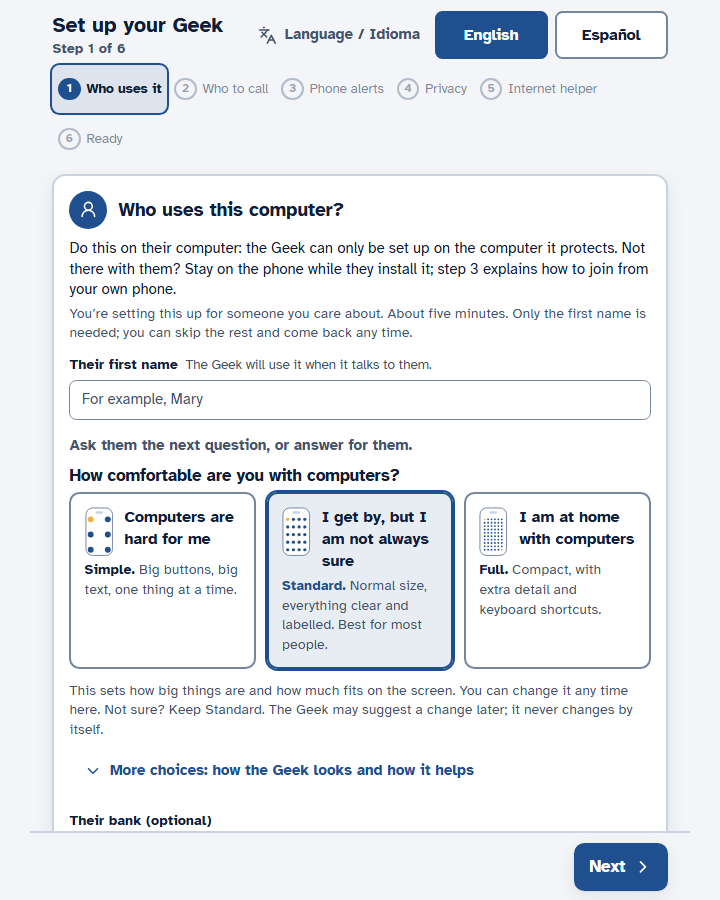
Who uses it, who to call, phone alerts, privacy, browser, ready. About two minutes.
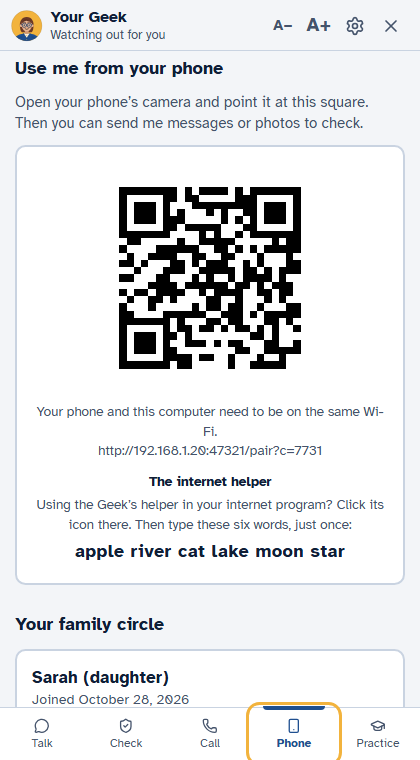
A code on the computer turns her phone into a companion, and her Geek says whenever a phone connects.
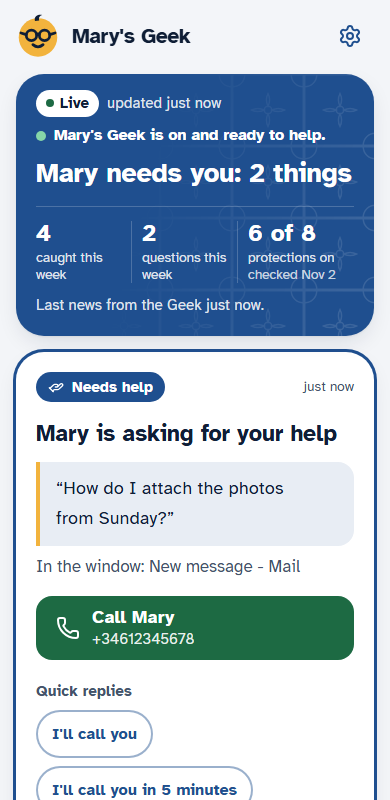
Her Geek is on and watching, the week in three numbers, how many protections are on, and anything that needs you at the top.
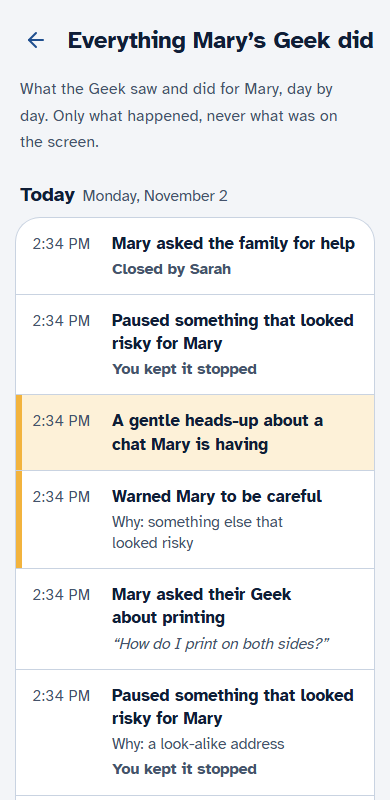
A day-by-day diary: what it caught, why, who decided, what she asked. Never a raw message. She can read the same log.
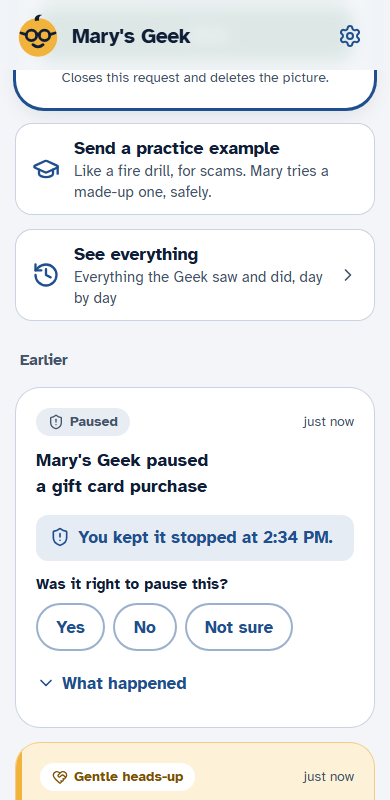
After you decide, one tap says whether the pause was right.
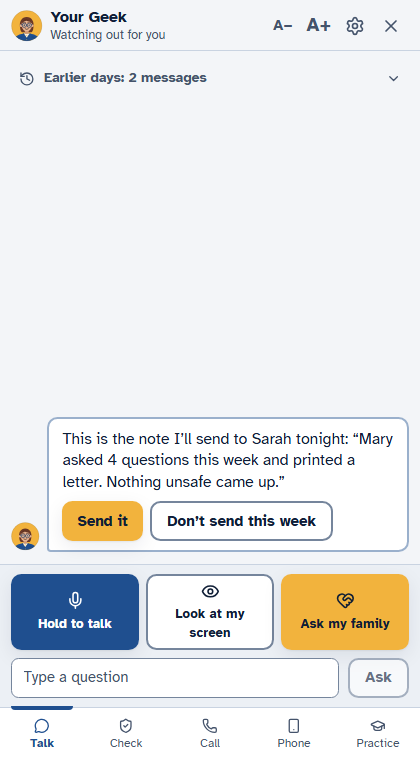
One paragraph on how the week went, shown to her first (Send it, or Don't send this week), then to the family.
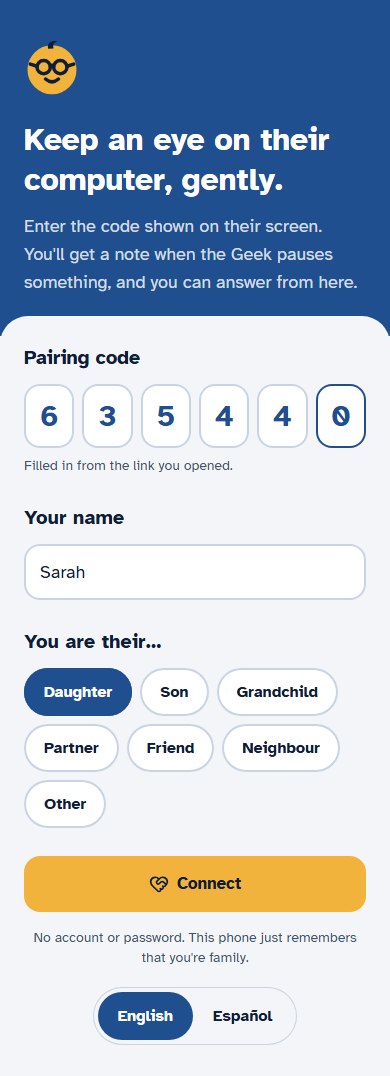
A code from the computer lets a son or daughter join; she sees who wants to join and presses Allow.
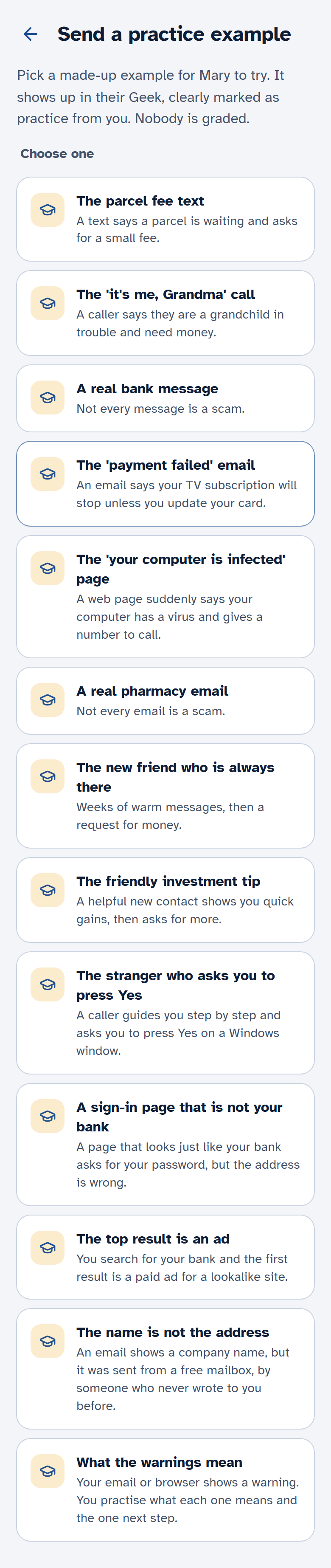
Pick a made-up scam and send it to her Geek; you see whether she spotted it.
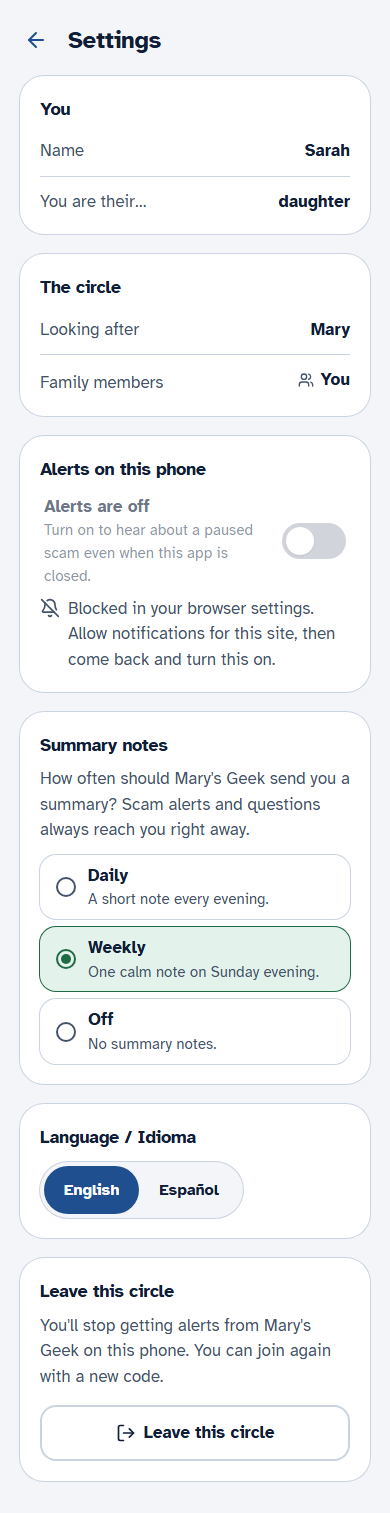
Alerts on, a daily or weekly summary, and a push from her Geek when something needs you.
After the first real stop, one warm card for the family and a Tell Mary well done button.
One tap sends a hello; she answers I'm fine or Please call me. No alarm, ever.
One daughter, two parents: switch between their circles in one app.
A private address per family: forward a strange email and the answer comes back.
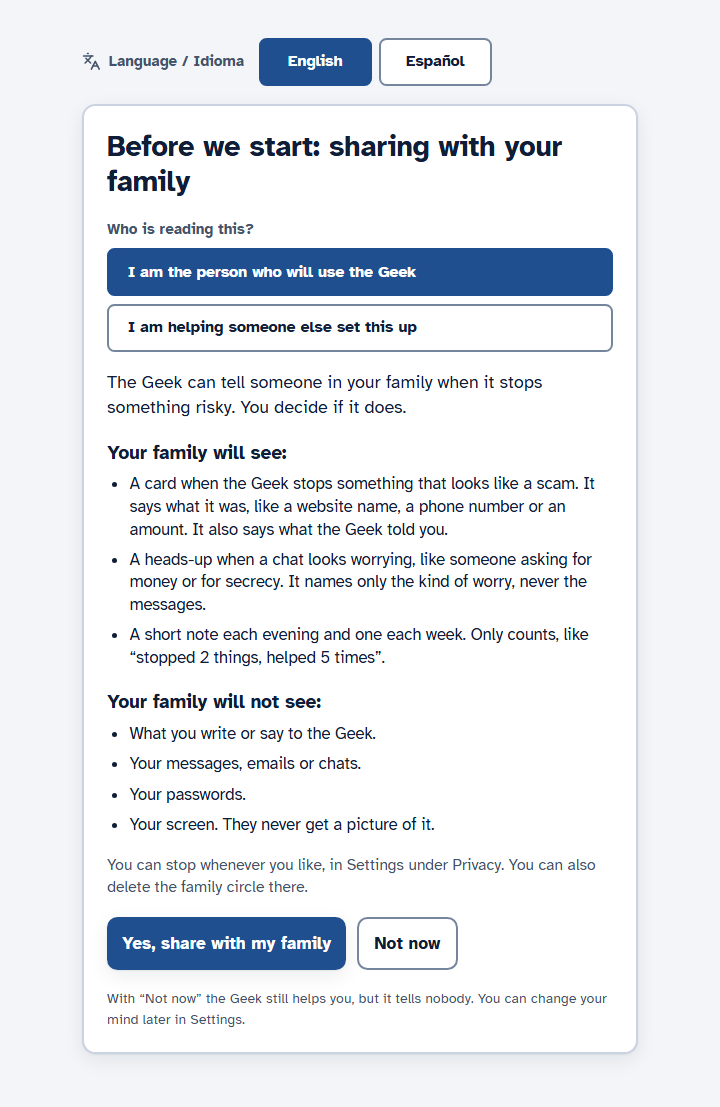
The first screen says what the family will and will not see, and Stop sharing is always there.
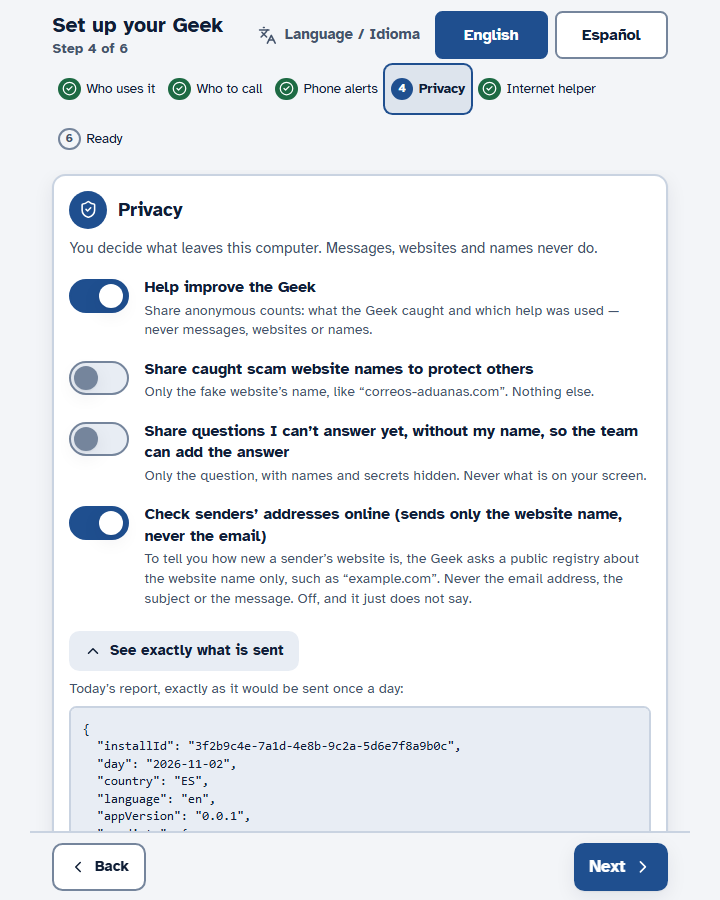
One button erases what her Geek noted on this computer. The family circle stays.
Her bank's name, your photo, sender history and check-up results stay on the computer.
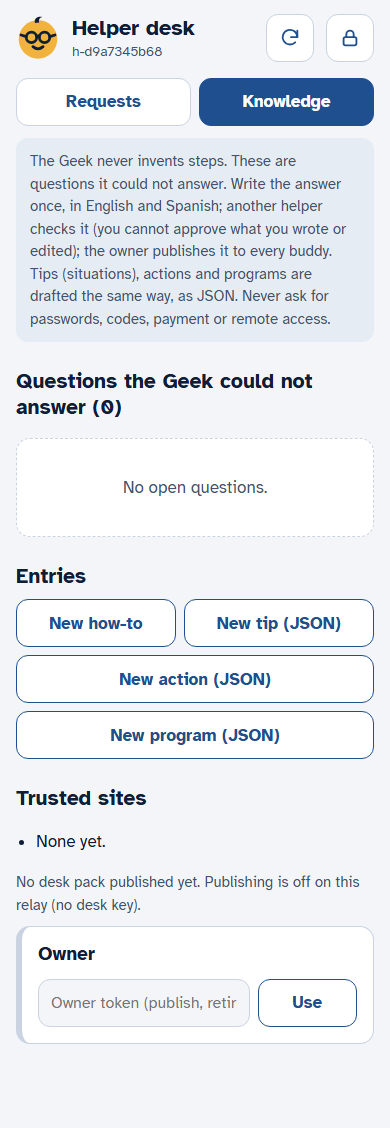
The question goes to our team with names masked; one person drafts the answer, another checks it, and it reaches every Geek.
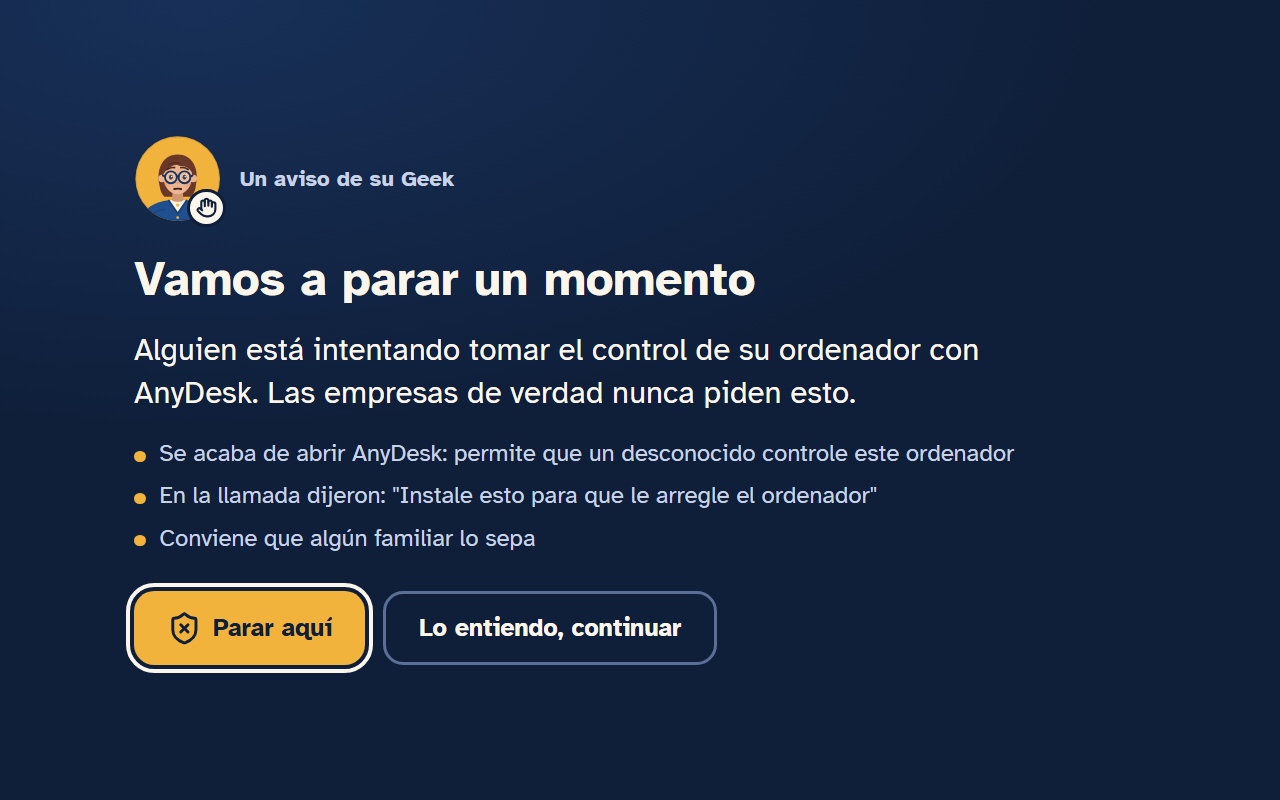
Plain US English, and the whole product in Spanish from Spain: usted for her, tú for the family. The voice and the scam checks work in both.
Pay nothing today. Free during the beta; you'll see the final price, and say yes, before anything is charged.